Web app
app.audiopen.ai — works in any modern browser
No install. This is also where Prime upgrades happen.
AudioPen runs on 8 platforms with one account: the web app plus official apps for iPhone, iPad, Apple Watch, Android, Mac, Windows and Chrome. Every app is free to download, and a single Prime pass unlocks all of them.
The web app is the fastest way to try it — no install, no credit card.
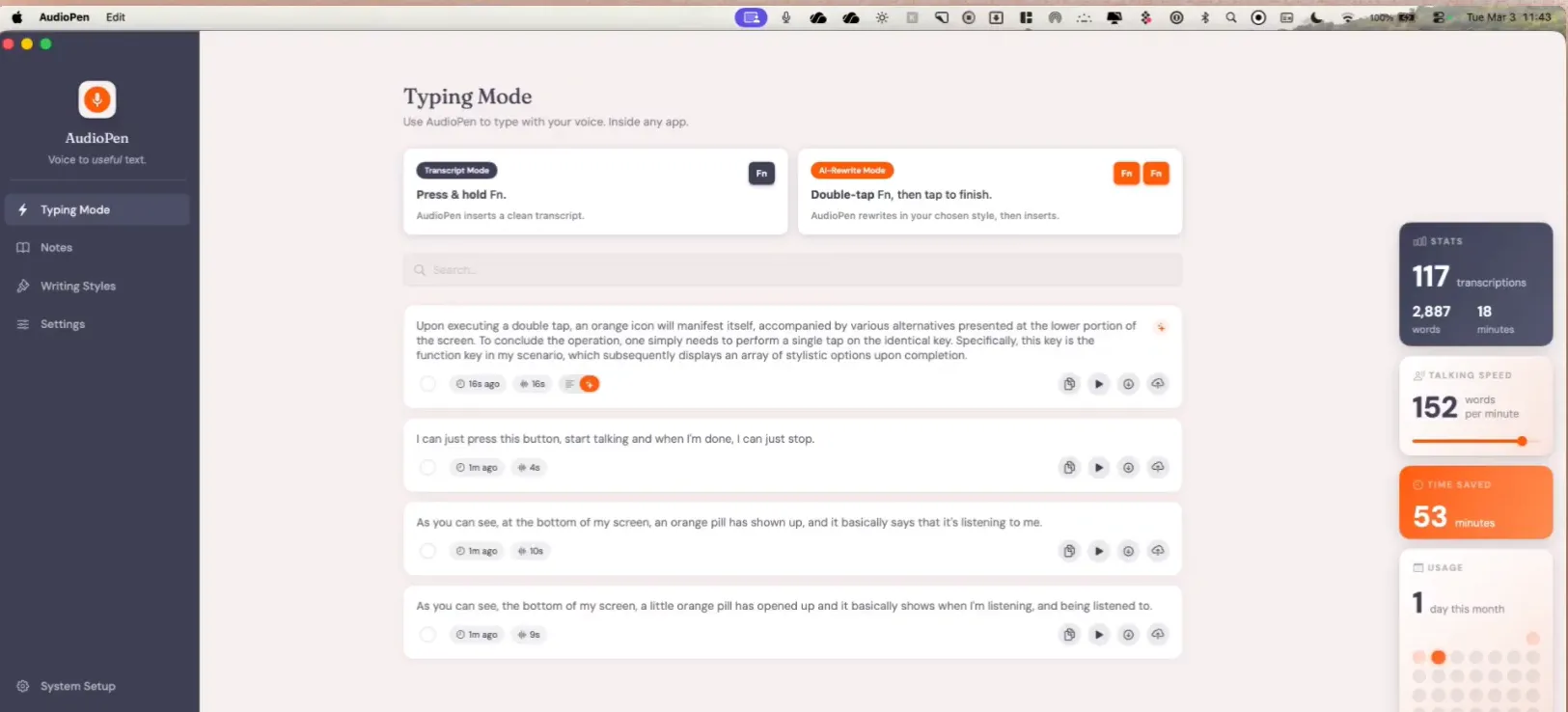
app.audiopen.ai — works in any modern browser
No install. This is also where Prime upgrades happen.
App Store — “AudioPen: AI Voice to Text” by Nicheless, Inc.
Includes the voice keyboard for typing by speaking in any app.
Google Play — package com.audiopen.android
Record on the go; notes sync with your account.
Desktop app for Apple Silicon — DMG download from the official /mac page
Drag to Applications to install; adds Voice Typing with on-device transcription (M1 and newer).
Microsoft Store — “AudioPen” by Nicheless, Inc., linked from the official /windows page
Windows 10 or later. Hold Right Ctrl to voice type into any app, or double-tap to have it rewritten in your style.
Chrome Web Store — extension for the desktop browser
Record from the toolbar in Chrome, Edge and other Chromium browsers.
App stores list several tools with similar names from unrelated developers, and lookalike domains exist too. The official AudioPen app is published by Nicheless, Inc. — on iOS that's the listing named "AudioPen: AI Voice to Text", and on Android the package is com.audiopen.android. If the developer name doesn't match, it isn't AudioPen. The only official websites are audiopen.ai and its app subdomain.
Unsure about a listing? Our guide to spotting the official apps walks through it in 60 seconds.
IPHONE & IPAD
Open the App Store listing above, tap Get, then sign in with your AudioPen account. Enable the keyboard in Settings to dictate into any app — audio from the keyboard is processed on your device.
ANDROID
Install the AudioPen app for Android from Google Play, sign in, and your notes stay in sync with the web app automatically.
WINDOWS
Get the AudioPen app for Windows from the Microsoft Store (Windows 10 or later), open it from the Start menu and sign in. Then hold Right Ctrl in any app to voice type. The web app and the Chrome extension work on Windows too — our Windows setup guide covers every route.
An AudioPen download is free on every platform. To compare the free plan with Prime before upgrading, see the pricing page.